
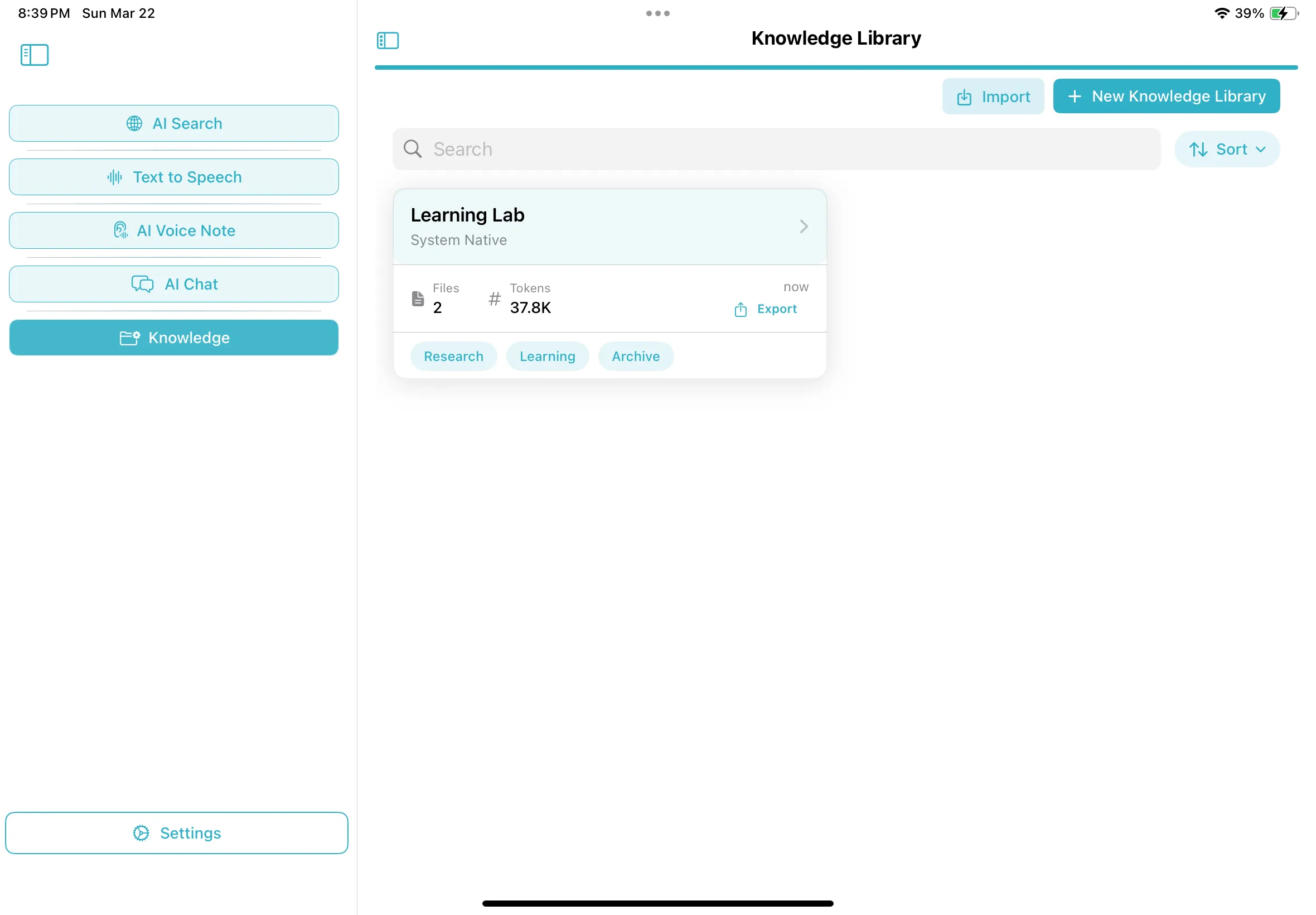
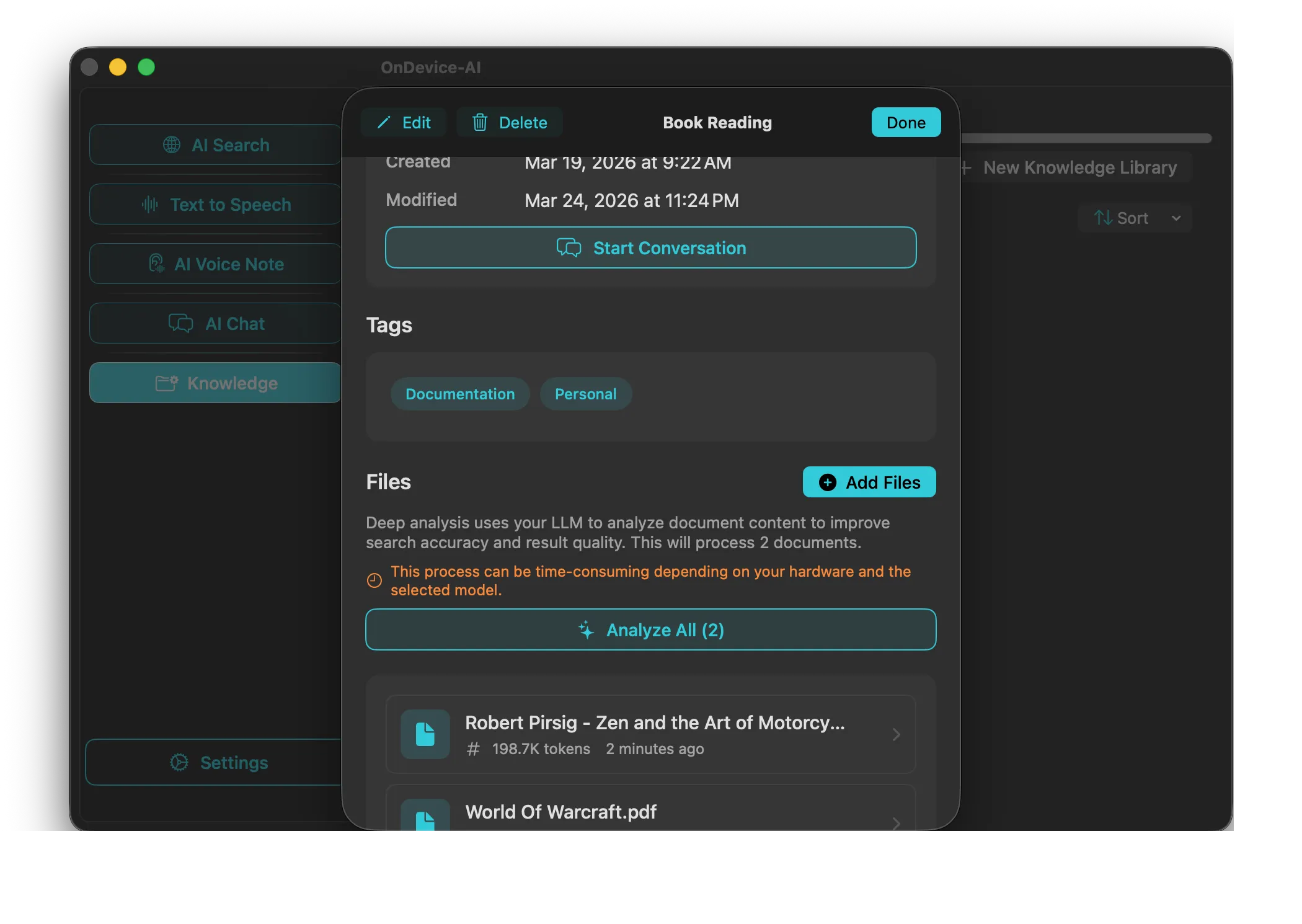
1. Create a Library for Each Project
Organize work by project, class, client, or topic. Drag and drop PDFs, text files, Markdown notes, images with text, or web captures into the right library.
2. Add Notes, Transcripts, and Saved Research
Use Text Notes for quick project notes. Save useful AI Search results into the library. Import Voice Note transcripts, speech-to-text results, Text-to-Speech text, or selected chat history when that text should become reusable context.
3. Ask Questions from Your Library
Activate the library in AI Chat and ask natural questions. The app looks for relevant passages from your selected project material and includes them as context for the answer.
4. Keep the Library Clean
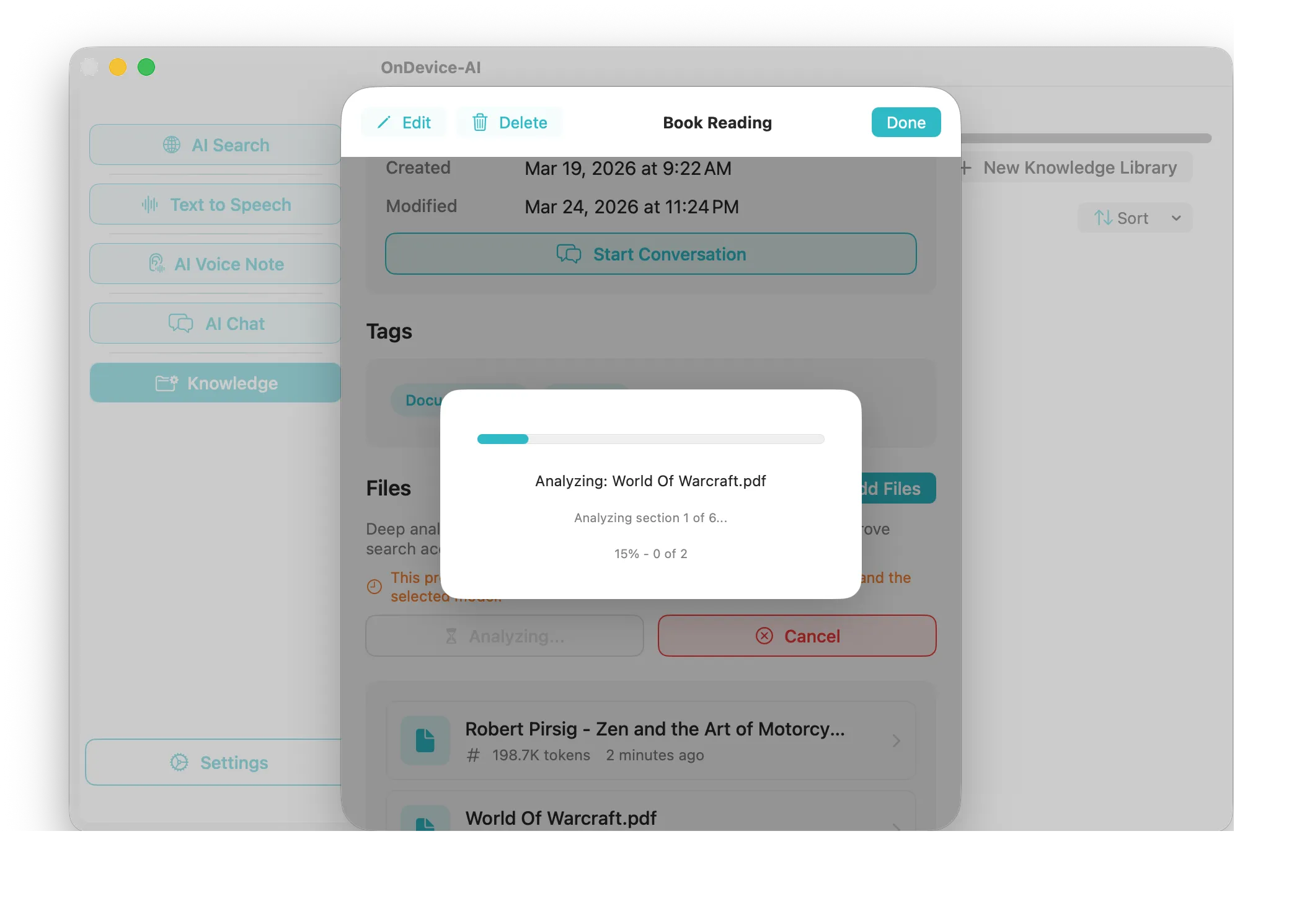
Use library search, filters, and file actions to find material quickly. If a note or document needs refreshing before chat can use the latest text, the app shows that status and gives you a clear update path.