
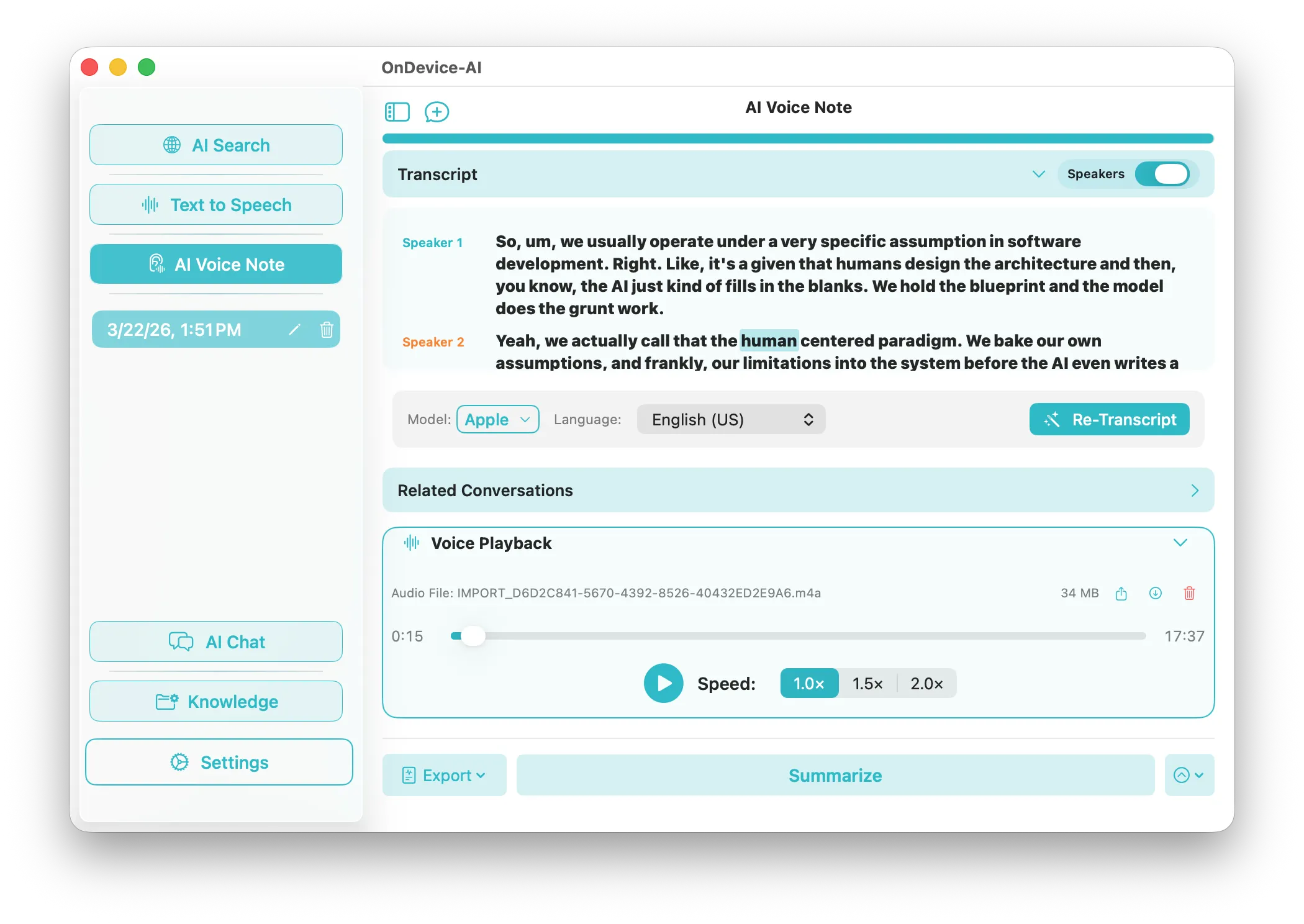
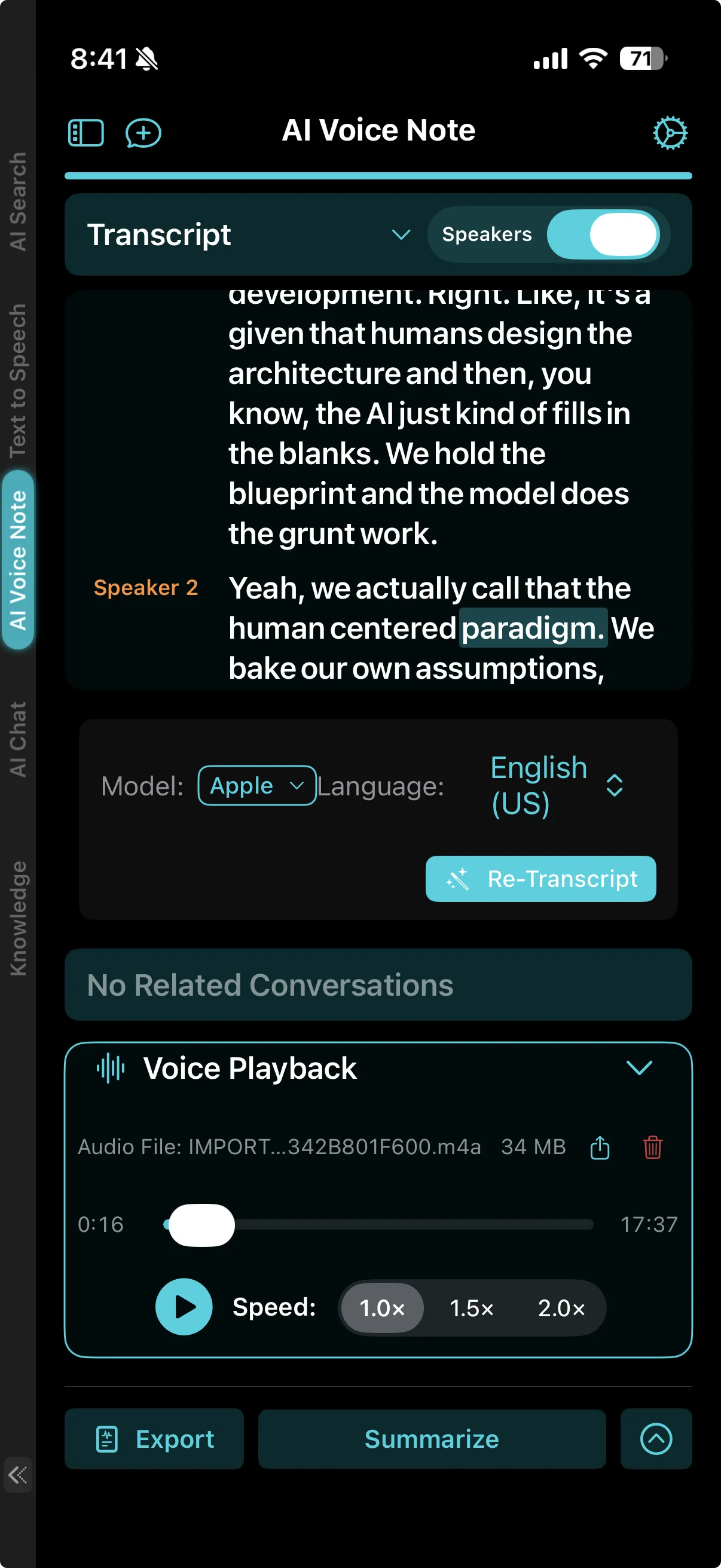
1. Secure Local Recording & Import
Start a secure session instantly by recording audio directly inside the app, or import pre-recorded files (MP3, M4A, WAV). Because all operations execute locally, there is zero risk of data leakage, making it perfect for private corporate meetings, client interviews, and confidential research.
2. Whisper-Powered Speech-to-Text
Our speech engine uses OpenAI's Whisper models optimized for Apple hardware. By running on the Apple Neural Engine (ANE), On Device AI transcribes audio locally in real time. It uses minimal battery and runs completely offline.
3. Local Speaker Diarization
Tired of raw blocks of unlabelled text? The app includes localized Voice Activity Detection (VAD) and speaker clustering. The system segments the audio file, analyzes pitch and vocal characteristics, and automatically labels the transcript (e.g., Speaker 1, Speaker 2) to structure your transcripts naturally.
4. One-Click AI Summaries & Action Items
Once your transcript is generated, feed it directly into a local language model. Choose a specialized summary prompt or query your transcript directly in chat. Instantly generate meeting minutes, clear action items, or bulleted summaries offline with 100% data safety.