On Device AI AI that respects your privacy
Transform voice into text instantly and collaborate with powerful AI teams - all offline and private. The Best Large Language Models (LLMs) and real-time voice transcription directly on your Device, without internet!
Available for iOS, macOS, and visionOS
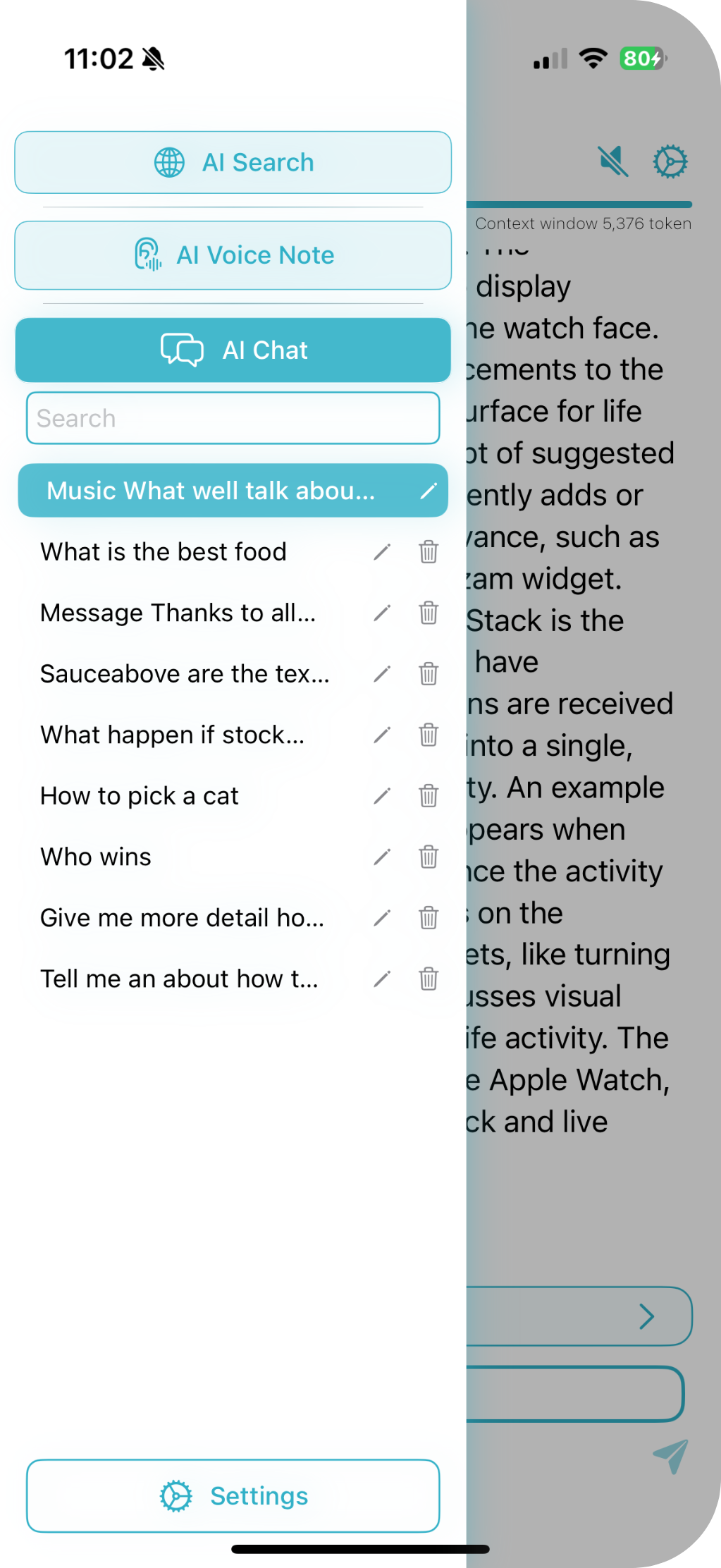
What Can On Device AI Do?
Experience powerful AI features right on your device, with no network dependency. Say goodbye to privacy concerns.
Collaborative AI Teams
Create sophisticated AI teams where different specialized agents work together on complex tasks. Run top-tier models like Llama, Gemma, Phi, Qwen, DeepSeek, and more entirely on your device.
Voice Notes & Transcription
Instantly record, transcribe, summarize, and translate audio securely on-device. Navigate recordings with word-level precision and process content in multiple languages while maintaining complete privacy.
Professional Text-to-Speech
Generate natural, professional quality speech from any text using Apple voices or the advanced Kokoro voice engine. Create audio content, narrate summaries, and bring your text to life with realistic voices - all processed securely on your device.
Built-In Web Search
Search the web directly within the app with AI-powered analysis that transforms results into coherent summaries. Ask complex questions about current events and receive structured responses while maintaining privacy.
AI Personas at Your Fingertips
Create custom AI roles with unique personalities, expertise, and preferred models. Seamlessly switch between different AI specialists for coding, writing, research, or coaching with just a tap.
Knowledge Libraries
Create dedicated AI memory spaces for each project. Group PDFs, notes, web captures, and images together. Your AI assistant answers questions sourced directly from your active Library, providing focused and accurate responses with complete privacy.
How Does On-Device AI Keep Your Data Private?
All AI processing happens directly on your device, ensuring complete privacy and instant responses - no cloud servers involved.
Traditional Cloud AI
On-Device AI
Why Is On Device AI More Private Than Cloud AI?
Complete privacy by design. Your conversations, voice recordings, and personal data never leave your device - no servers, no data collection.
Complete Anonymity
No accounts, no data collection, no tracking. Your identity and usage patterns remain completely private.
Offline First
Core AI features work completely offline. When online features are used, only minimal metadata is transmitted.
Which Devices Support On Device AI?
Available on iPhone, iPad, Mac, and Apple Vision Pro with seamless cross-device workflows.
iOS
iPhone and iPad
- Voice transcription on the go
- Optimized for mobile AI processing
- Siri Shortcuts integration
macOS
Mac computers
- Maximum AI model performance
- Large context window support
- Remote iOS device connection
visionOS
Apple Vision Pro
- Immersive AI interactions
- Spatial computing integration
- Hand gesture controls
Frequently Asked Questions About On Device AI
Get answers to common questions about privacy, features, and compatibility.
What is On Device AI and how does it work?
On Device AI is a privacy-first AI application that runs powerful language models like Llama, Gemma, Qwen, and DeepSeek directly on your iPhone, iPad, Mac, or Vision Pro. All AI processing happens locally on your device - your data never leaves your device and no internet connection is required for core features.
Can On Device AI work completely offline?
Yes! On Device AI is designed for 100% offline operation. Once you download an AI model, you can use voice transcription, document analysis, AI chat, and all core features without any internet connection. Your conversations and data stay completely private on your device.
What AI models are supported by On Device AI?
On Device AI supports leading open-source models including Llama 3, Gemma 3, Qwen 3, DeepSeek, Phi-4, Mistral, and more. You can also import custom GGUF models from Hugging Face. The app uses both llama.cpp and MLX inference engines for optimal performance on Apple Silicon.
How do Collaborative AI Teams work?
Collaborative AI Teams let you create multi-agent workflows where specialized AI agents work together on complex tasks. For example, you can deploy a Market Analyst, Strategic Planner, and Risk Assessor team for comprehensive business planning, or use an Idea Generator, Story Developer, and Editor team for creative writing projects.
What devices are compatible with On Device AI?
On Device AI works on iPhone 14 and newer, iPad mini (7th gen) and newer, iPad Air (5th gen) and newer, iPad Pro (3rd gen) and newer, iPad (11th gen) and newer, all Apple Silicon Macs, and Apple Vision Pro. Devices with 6GB+ RAM provide optimal performance.
Can I connect cloud AI providers to On Device AI?
Yes! While the app is 100% offline by default, you can optionally connect to cloud providers like OpenAI, Anthropic Claude, Google Gemini, Groq, OpenRouter, LM Studio, or Ollama when you need extra processing power. You can switch between local and cloud models within the same conversation.
What are Knowledge Libraries in On Device AI?
Knowledge Libraries are dedicated AI memory spaces for each project. You can create a Library for each project or client, group related PDFs, notes, web captures, and images together. The AI assistant then answers questions sourced directly from your active Library, providing focused and accurate responses.
Does On Device AI support vision models for image analysis?
Yes! On Device AI supports both local vision models (MLX and GGUF-based) and cloud vision APIs. You can analyze photos, screenshots, diagrams, and documents directly on your device with complete privacy, or use powerful cloud vision models for more detailed analysis.
Have Questions About On Device AI?
We'd love to hear from you! Send us your questions or feedback.
Send me an Email